


Complete pack to optimize your computer to the maximum extent
If it was a long time ago that you installed the operating system on your computer and you haven't performed regular maintenance, you will probably have noticed that it reacts slower and it takes longer for each process. In this case, you will need an application like TweakNow PowerPack to give it back the speed and efficiency of the first day.
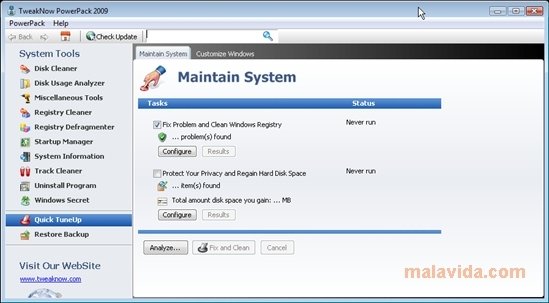
TweakNow PowerPack is a free application that has quite a few tools to optimize your computer's performance and to improve how applications like the browser work. What's more, it is a quick and secure way to perform small modifications to the Windows Registry file.
Main features
- Hard Drive Cleaner. Eliminate all the unnecessary files and controllers from your computer.
- Hard Drive Analyzer. That after a brief analysis will show us a detailed graphic report with the space that each directory occupies.
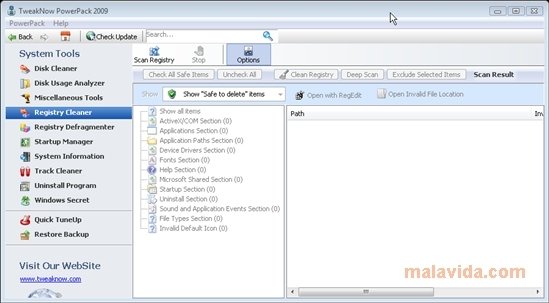
- Registry Scanner. After inspecting the Registry file, it will provide us with a list of the entries that can be deleted in a secure way.
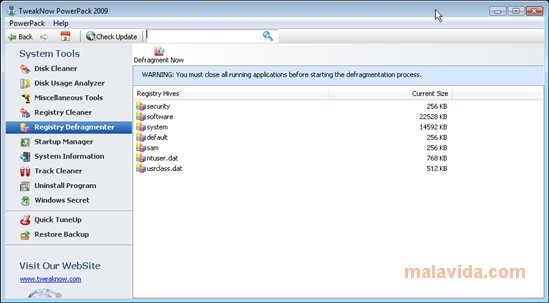
- Registry Defrag Tool.
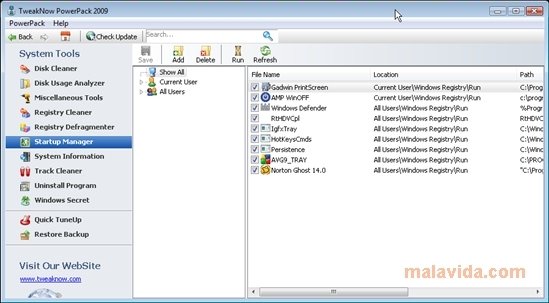
- Windows Startup Application Manager.
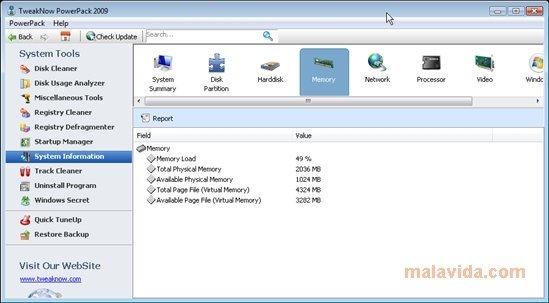
- System Data Report Generator.
- Program uninstaller.
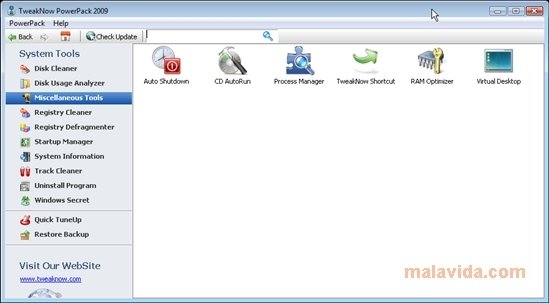
- And other tools like a process manager, a utility to program the computer turn off or optimize the RAM memory.
As an additional functionality, for those that really like customizing, TweakNow PowerPack offers almost 100hidden configuration options for Windows, which will allow you to enjoy the operating system however you want.
Requirements and additional information:
- This is a trial version that lasts for 15 days.
 Vanessa Martín
¡Hi! I am Vanessa Martin, I like to travel, music, photography, and I am passionate about the Internet, as it is a great source of information where you can find everything you need. If it exists, it is on the Internet. Another of my great...

Antony Peel